Navigating OpenCLM
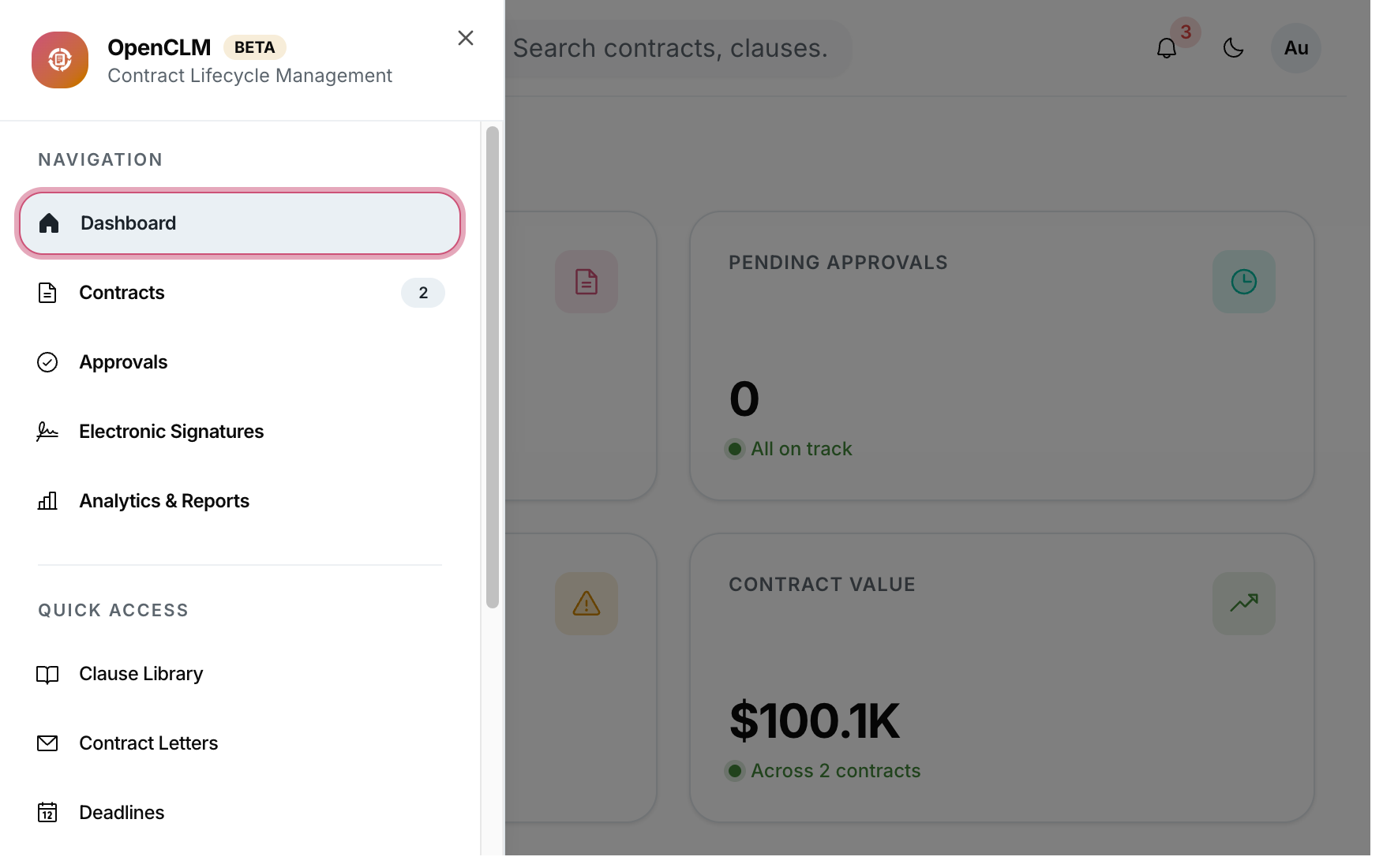
Sidebar
The left sidebar is your primary navigation. Each item links to a top-level module. The sidebar collapses on narrow screens — click the hamburger icon to toggle it.
The sidebar items you see depend on your role:
- Regular users see Contracts, Approvals, Signatures, Analytics, Deadlines, Obligations, Letters.
- Admins additionally see Roles, Integrations, and all organisation-wide Settings.
Global Search
Click the search icon in the top bar (or press /) to open the global search modal.
You can search for:
- Contract titles and counterparty names
- Clause text
- User names
Results are shown grouped by type and respect your role's visibility.
Breadcrumbs
Every sub-page shows a breadcrumb trail below the top bar so you always know where you are:
Contracts › NDA with Acme Corp › Version 3
Clicking any breadcrumb segment navigates back to that level.
Notifications Bell
The bell icon in the top-right shows unread notifications:
- Approval requests assigned to you
- Signatures ready to send
- Deadlines approaching
- Comments on contracts you own
Click Mark all as read to clear the count or click any notification to jump to the relevant contract.
Keyboard Shortcuts
| Shortcut | Action |
|---|---|
/ | Open global search |
Esc | Close modal / search |
G then D | Go to Dashboard |
G then C | Go to Contracts |
G then A | Go to Approval Center |