Version History
OpenCLM automatically creates a version snapshot every time a contract is saved. This gives you a complete audit trail of every change made to any contract.
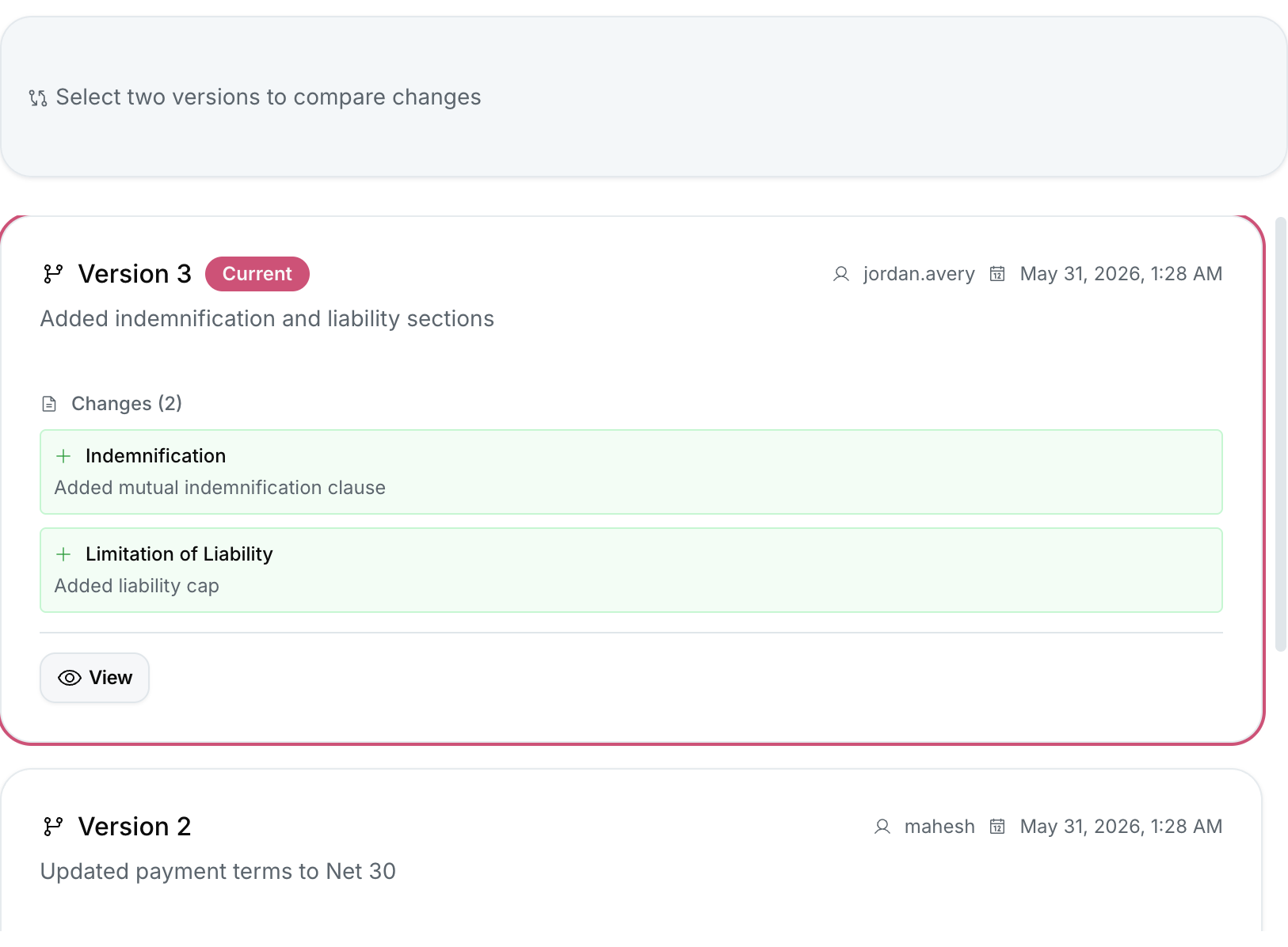
Viewing Version History
- Open any contract.
- Click the Version History tab.
You see a list of all versions, newest first:
| Column | Description |
|---|---|
| Version # | Sequential number (v1, v2, v3 …) |
| Saved at | Date and time of the save |
| Saved by | User who made the change |
| Notes | Optional version note (see below) |
Viewing a Specific Version
Click any version in the list to see the full contract body as it was at that point in time.
Diff View (Compare Versions)
To compare two versions side by side:
- Hover over any older version and click Compare with current.
- Or: select two versions using the checkboxes and click Compare selected.
The diff view highlights:
- Green background — text added in the newer version.
- Red background — text removed in the newer version.
Adding a Version Note
When saving a contract manually (clicking Save), a dialog appears with an optional Version note field. Enter a brief summary like:
- "Updated liability cap to $500k per Legal Counsel review"
- "Fixed typo in section 3.2"
Notes appear in the Version History list and in the audit log.
Restoring an Older Version
:::warning Restore creates a new version Restoring an older version does not overwrite the current state — it creates a new version whose content matches the restored version. The restore action is logged in the audit trail. :::
- Navigate to the version you want to restore.
- Click Restore this version.
- Confirm in the dialog.
A new version is created with the content of the selected older version.
Audit Trail vs. Version History
Version History tracks full document snapshots (the entire body).
The Audit Trail (available to Admins under Settings → Audit Log) tracks all system events including metadata changes, user logins, permission changes, and API calls — not just document edits.